Overview
No collection. No account. No remote profile.
Motivational Clock Alarm does not collect, transmit, sell, or share personal data. The current app does not require an account and does not send your alarms, goals, messages, progress, photos, or videos to the developer or any third party.
This policy explains what remains stored locally on your device, why iOS permissions may be requested, and the choices available to you.
Information stored on your device
Your morning setup lives locally.
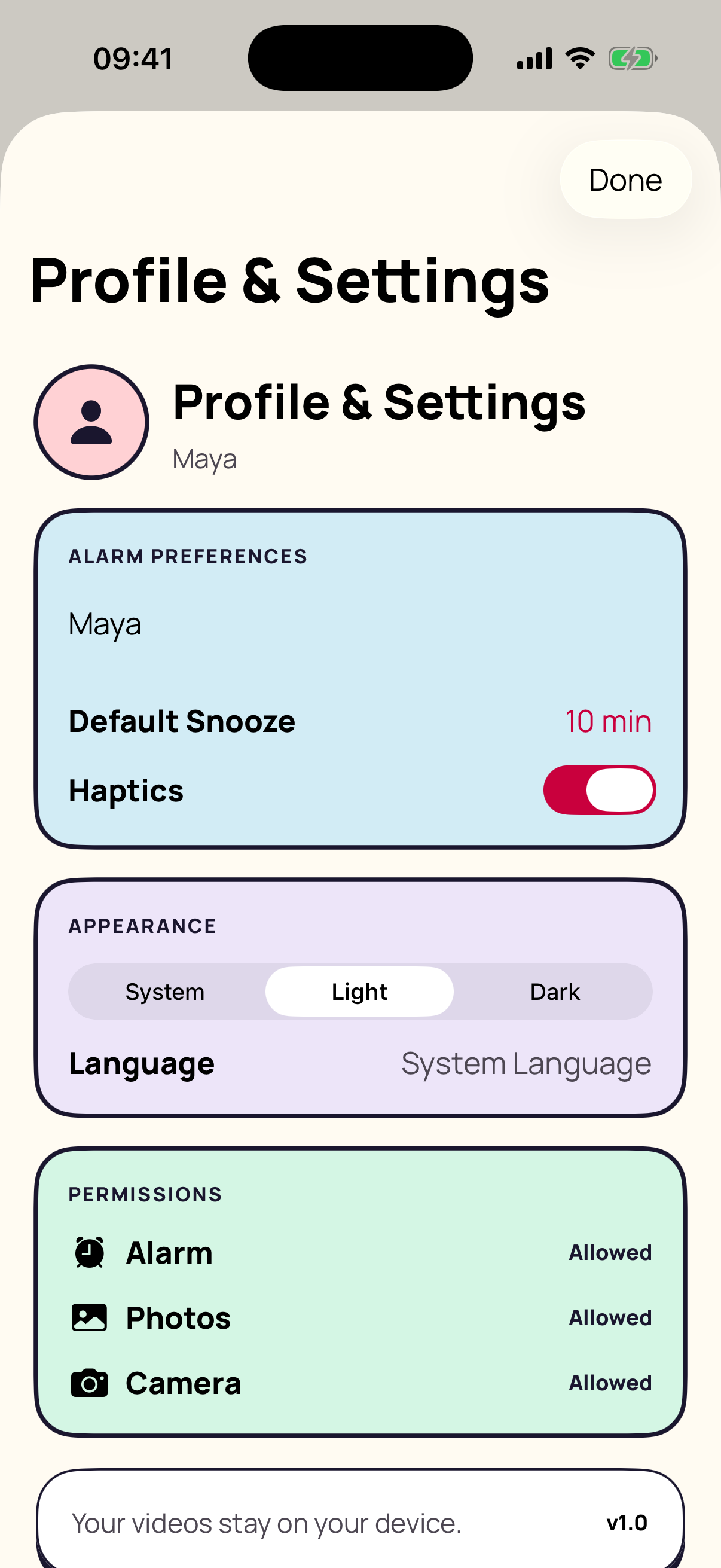
Your alarm times, repeat days, goal selections, wake-up messages, completion history, preferences, and selected or recorded videos are stored in the app’s local storage on your iPhone.
If you remove the app, iOS may remove this local information. The app does not provide a cloud backup or account-based restore service.
Permissions
Access is tied to an action you choose.
You can review or change these permissions at any time in iOS Settings.
Collection, analytics, and advertising
Your attention is not the product.
The current version does not collect data from the app. It does not include third-party advertising, cross-app tracking, third-party analytics SDKs, telemetry, or server-side user profiles. Personal alarm media and usage information are not uploaded by the app to the developer, an advertising platform, or another third party.
Your control
Change it. Remove it. Revoke it.
You can edit or delete alarms from the app, change permissions in iOS Settings, and remove the app and its locally stored information from your device.
The app is not directed to children under 13 and does not knowingly collect personal information from children.
Changes and contact
When the app changes, this page changes.
We may update this policy when app behavior or privacy practices change. The effective date at the top of this page will identify the latest version.
For privacy questions, use the developer contact listed with Motivational Clock Alarm on the App Store or visit the support page.