Agreement
Using the app means accepting these terms.
By downloading or using Motivational Clock Alarm, you agree to these Terms of Use and the applicable Apple Media Services terms. If you do not agree, do not use the app.
App purpose
A motivation tool, not an emergency service.
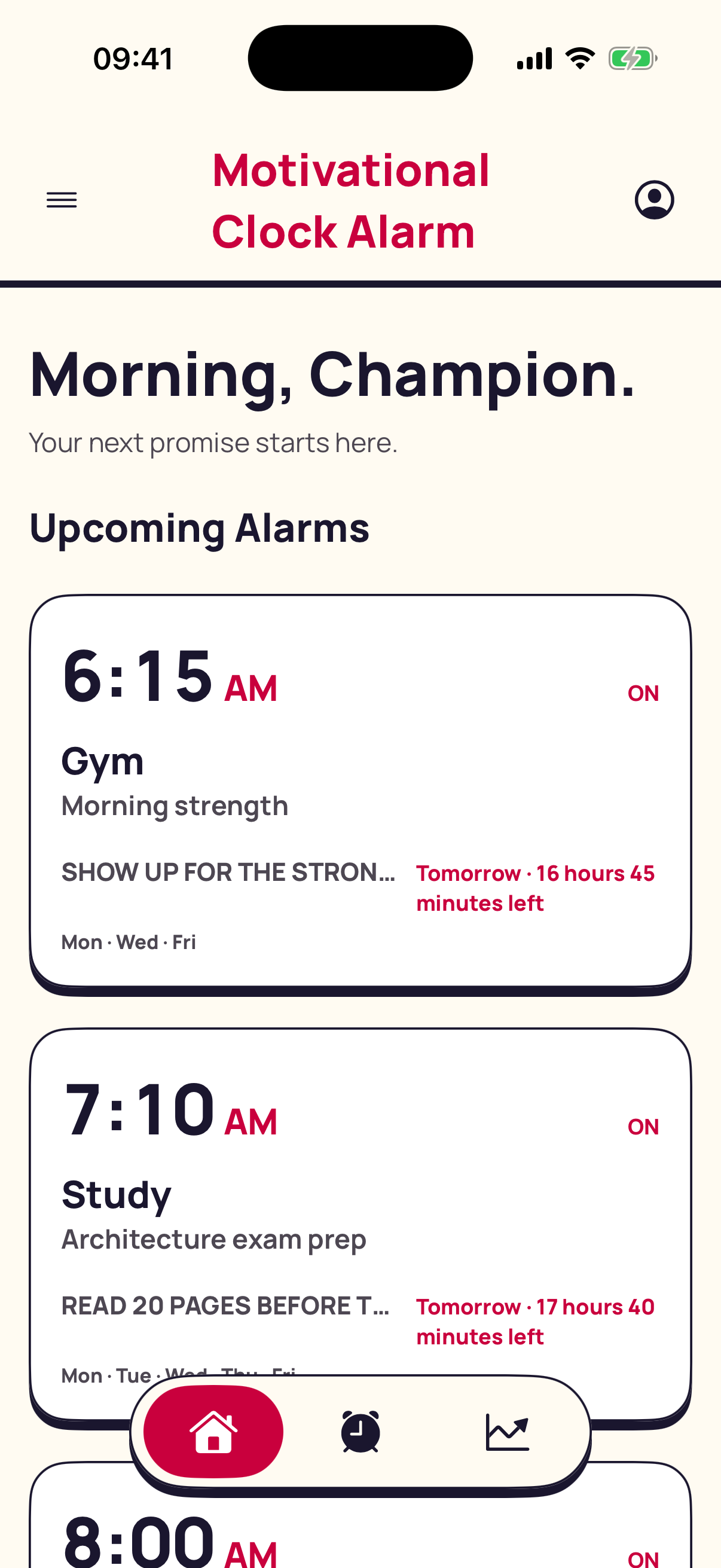
The app helps you create scheduled, goal-driven alarm experiences using messages and videos. It is not designed for emergency alerts, medical reminders, safety-critical operations, or any situation where failure to notify could cause harm.
Your responsibility
Check the time, permission, and device.
You are responsible for reviewing alarm times, repeat days, enabled states, volume and device settings, permissions, battery state, and iOS behavior. Test important alarms on your physical iPhone before relying on them.
Do not use the app in a way that interferes with another person’s device, privacy, or rights.
Personal media
Use content you have the right to use.
You remain responsible for videos, audio, messages, and other material you select or record. Do not use unlawful content or material that infringes another person’s copyright, privacy, or publicity rights.
Availability and limitations
Device software can affect delivery.
Alarm behavior may depend on iOS, device settings, permissions, system updates, battery conditions, and Apple frameworks. The app is provided on an “as available” basis to the extent permitted by applicable law.
Features may change as the app and iOS evolve. We may correct, update, limit, or discontinue features when necessary.
Changes and questions
The latest published version applies.
We may update these terms when the app changes. The effective date at the top identifies the current version. Questions can be directed through the developer contact shown with the app on the App Store or the support page.